Editable file formats
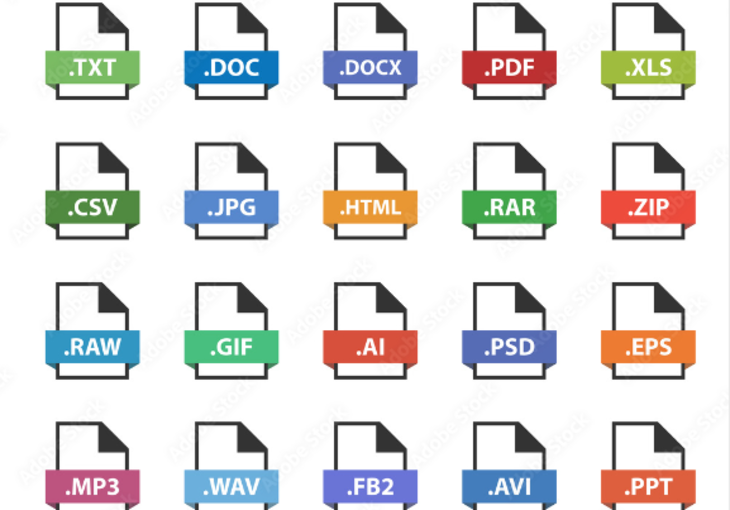
Files with editable text can be translated directly without any technical preparation. These include Word, Excel, PowerPoint and InDesign documents, to name just a few of the most common examples. These documents can be easily analyzed with CAT tools (Computer Aided Translation Tools). This has several advantages for you:
- Precise quotation creation: the word count of the texts can be recorded exactly. You will receive a precisely calculated quote for your translation.
- Translation memory systems and terminology databases can be used. Repetitions are recognized by the software and do not have to be translated several times. This speeds up the translation process and not only saves you time, but also money, as repetitions can be discounted.
- The formatting of the source file is retained during the translation process. You will receive the translation back in the same file format and in the original layout.
Non-editable file formats
Formats with non-editable or only partially editable text - for example PDF files - must be converted for translation into a format that allows the text content to be edited. Formatting such as heading formats, bulleted lists and cross-references are usually lost and have to be restored afterwards. This means increased time and costs.
Non-editable file formats cannot be analyzed at all or only unreliably with CAT tools, so that, for example, the price calculation for your translation is based on an inaccurate word count and translation memories cannot be used.
If you require an informal translation of a PDF file, the translation can be created in a new file. You will then receive the unformatted translation in a Word file, for example. However, if you want to transfer the layout of the source file to the translation, it must be recreated. This takes some time and is associated with additional costs.
It is therefore best if you can provide the file to be translated in working format. This means you can start translating straight away and no pre- or post-processing is required to retain the layout.
Website translations
Text files that are managed in a content management system can be exported directly and automatically from your CMS using our technology. The exported files (e.g. XML, YAML, PO, Xliff, CSV) can then be easily edited with CAT tools and translated directly in the existing format. You can simply import the translations back into your CMS. No conversion, no data loss.
In addition to the file formats mentioned above, we have experience with various other formats. We will be happy to convert your files into formats suitable for translation and deliver the translations in your desired layout. Ideally, however, you should provide us with the file in which the text was created for translation. These file formats are editable and can be translated without additional effort.