+49 40 6094641 30


Dashboard
Because it's simply good
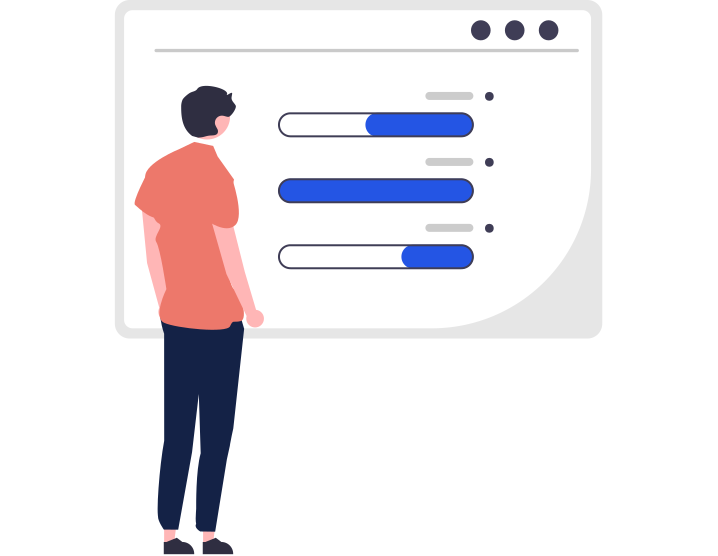
You can order and receive translations simply and easily via your dashboard. You can view the progress of your orders at any time and always have a complete overview!
Team work
Invite internal employees or external partners to collaborate on your projects. This saves you the hassle of sending different files and formats back and forth, as everyone has direct access via their personal Toptranslation dashboard.
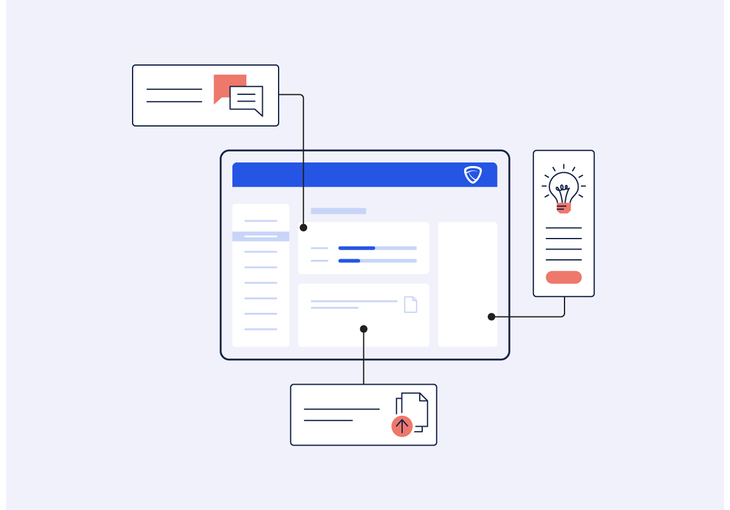
If you would like to share an order with other people, they will be invited to collaborate by e-mail. As soon as an invitation is accepted and the user is logged into the Toptranslation dashboard, they have access to the job.
They can now, for example, edit or add documents, commission translations or invite other people themselves. This allows you to manage your orders together. Particularly practical: you can remove the access rights for an order at any time or authorize other people to work on it. This gives you complete flexibility in determining who can access your orders.
You can create teams for even greater clarity. These teams can, for example, consist of employees from one of your company's departments or several individuals from external companies. This makes it possible to release orders for entire project groups. This means you don't have to invite numerous individual people for each job, but can release jobs for entire teams with just one click. You can add members to your teams or remove individuals at any time.
You can also view activity logs for your orders in your Toptranslation dashboard at any time. This means you always know who has made which changes to an order and for whom an order has also been released.
Invite people (internal and external) to work on an assignment.
Remove approvals flexibly and on a person-specific basis at any time or add additional people to an order.
Create teams in the Toptranslation dashboard and release orders for entire teams.
Add further members to teams or terminate individual team memberships.
All changes to an order are saved in the Toptranslation dashboard. This allows you to track exactly which work steps were carried out when and by whom.
Translations arrive directly where they are needed because they are immediately available for download to all authorized team members or individual users.
Each authorized user will be notified by e-mail when a translation is received.
Project management